Turn Any Android Tablet into the Ultimate Smart Home Hub
An ultra-fast, native dashboard crafted for Home Assistant. Experience effortless 4-way gesture navigation, interactive 3D floorplans, and instantaneous device control.
Control Your Entire Home in Just Four Natural Swipes
Say goodbye to clunky menus and slow dashboards. Everything you need is precisely one directional swipe away.
Try out the 4-Way Navigation
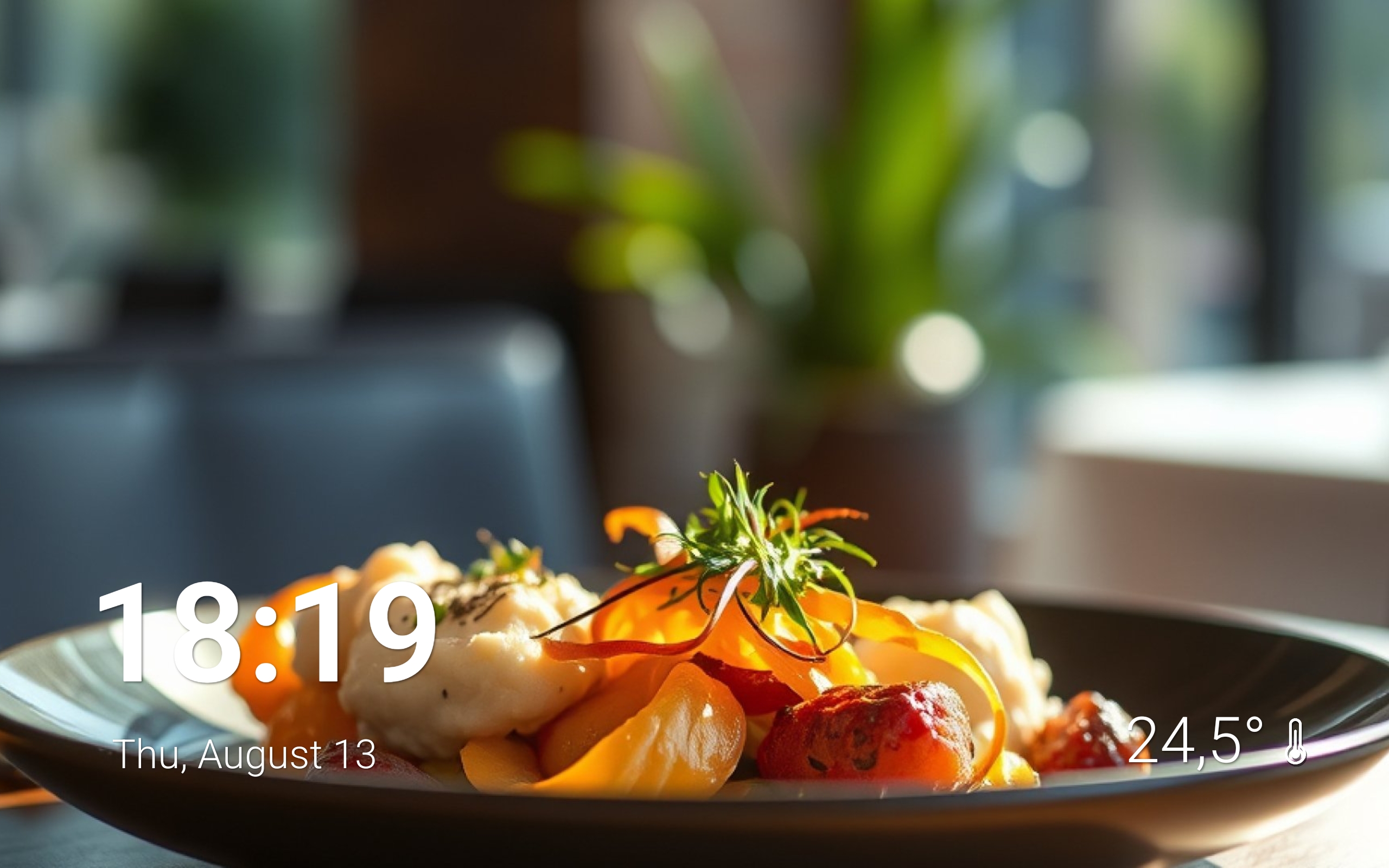
home Main Dashboard
The default ambient resting screen. Displays a sophisticated digital clock, real-time indoor or outdoor weather from Home Assistant, and active media playback with dynamic wallpapers.
Why Native Architecture Outperforms Every Web Dashboard
Most smart home dashboards are heavy web pages wrapped in a browser shell. HA HUB is built with a lightweight native engine for unmatched speed, instant touch responsiveness, and ultra-low power consumption.
| Capability / Performance | HA HUB Native App | Standard WebView / Browser |
|---|---|---|
| Core Architecture | check 100% Native Android App | close Heavy Chromium Web Shell |
| Touch to Toggle Latency | check Instant | close Laggy and delayed |
| Old Tablet Compatibility | check Runs smoothly on 5-10 yr old tablets | close Frequent browser freezes & OOM crashes |
| 4-Way Natural Gestures | check 4-Way Gesture Navigation | close Complex web tabs & URL navigation |
| Auto Media Popup | check Native overlay on playback start | close Manual navigation required |
| Pricing Model | check One-Time Lifetime License | close Subscriptions or ad-cluttered tools |
Everything You Need for a Flawless Wall Dashboard
Thoughtfully engineered features designed specifically for permanent wall-mounted tablets and table stands.
3D Floorplan Visual Control
Upload your custom floorplan blueprint and position interactive entities like lights, switches, and sensors directly over the layout for immediate spatial control.
- Spatial lighting, switches, and sensor pins
- Contextual control with instant visual feedback
- Intuitive interactive control over your home
Device Center by Custom Groups
Create custom groups, zones, or categories, choosing exactly which lights, switches, sensors, and scenes you want to display. Fast and intuitive access for the entire family.
- Tabs organized by custom groups (Lights, Zones, Areas)
- Device control with instant response
- Select and filter devices displayed on each screen
Smart Multimedia Center
Playing music on a media player? HA HUB automatically opens the media panel with high-res album art and large playback buttons.
- Auto-trigger on playback change
- Large tactile controls for music and volume
- Full display of song title, artist, and progress
Guest Wi-Fi QR Generator
Welcoming friends? Display a sleek, secure QR code on your wall tablet so visitors can connect in one second without typing passwords.
- Instant 1-tap display
- No manual password sharing needed
- Works with any guest network SSID
Full Home Assistant Access
Whenever you need advanced settings, YAML dashboards, or specific add-ons, access the full Lovelace interface without leaving the app.
- Direct bridge to all Lovelace dashboards
- Full access to add-ons, integrations, and YAML
- Secure, persistent OAuth2 authentication
Integrated App Launcher
Jump straight into entertainment apps like Netflix, Spotify, or your security camera feeds without closing the home automation environment.
- Fast shortcuts to installed Android apps
- System toggles (Wi-Fi, Bluetooth, Screen)
- Quick return to dashboard with one swipe
Give Your Old Android Tablet a Glorious Second Life
Don't throw away that old tablet sitting in your drawer. While modern web browsers choke on older Android hardware, HA HUB's lightweight native architecture runs at 60 FPS even on 5 to 10 year old tablets.
5-10 yrs
Tablet Vintage Supported100%
E-Waste ReductionPay Once. Own It Forever.
No subscriptions. No hidden fees. 100% local and secure via OAuth2.
HA HUB Lifetime License
One-Time Payment • Free Updates Forever
bolt Instant & Secure Setup: Connects directly to your Home Assistant instance in under 2 minutes.
- Use on all personal Android tablets under 1 Google account
- All future major & minor app updates included for life
- Native instant-response engine with zero delay
- Intuitive 4-Way spatial gesture navigation
- Interactive 3D Floorplan builder with unlimited entities
- Smart multimedia center for media playback and control
- Quick access to the full Home Assistant interface
Everything You Need to Know About HA HUB
Have questions before getting started? Find all your answers below.
Official Wiki
Need help configuring everything? Access our wiki for step-by-step tutorials on connecting to Home Assistant, configuring, and customizing the entire app.